GPU
Real-time simulation engine
Add living effects — rain, fire, snow, water, wind, glow — to your pixel art in minutes, no frame-by-frame. Paint a grid, write one tiny Phlux rule, and the GPU brings it to life in real time — then export a seamless loop as a GIF, an MP4 or a sprite sheet. Or open one of 90 ready-made scenes and change a number.
Drag to compare: left is the painted scene, right is the rule running. Get the Phlux script ↗
// Conway's Life on the green channel
LET _n = {COUNTNZ, MOORE.G}
(_n == 3) | (G > 0 & _n == 2)
   ? G = 255 : G = 0
Six scenes from Astra, a 28-piece collection that ships inside Phluxel. Each one is a painted still plus a single Phlux rule — nothing is animated frame by frame. Download a script, drop it on your own artwork, and turn its _motion knob while it plays.
Draw, script, simulate, and export — without ever leaving the canvas. Built on a tiny rule language and a real-time engine.
Describe how a cell becomes its next self from its neighbors. Channels, math, conditions and scatter — readable in one line, with a cheat sheet, autocomplete and a live preview in the Monaco-powered editor.
Global rules compile to GPU shaders and ping-pong render textures for buttery real-time playback — with toroidal wrapping. Per-cell logic falls back to a precise CPU interpreter automatically.
Drop in PNG, JPG, BMP, animated GIF or WebP — with smart downscaling and palette-lock to turn any illustration into clean pixel art — then let a rule remix it.
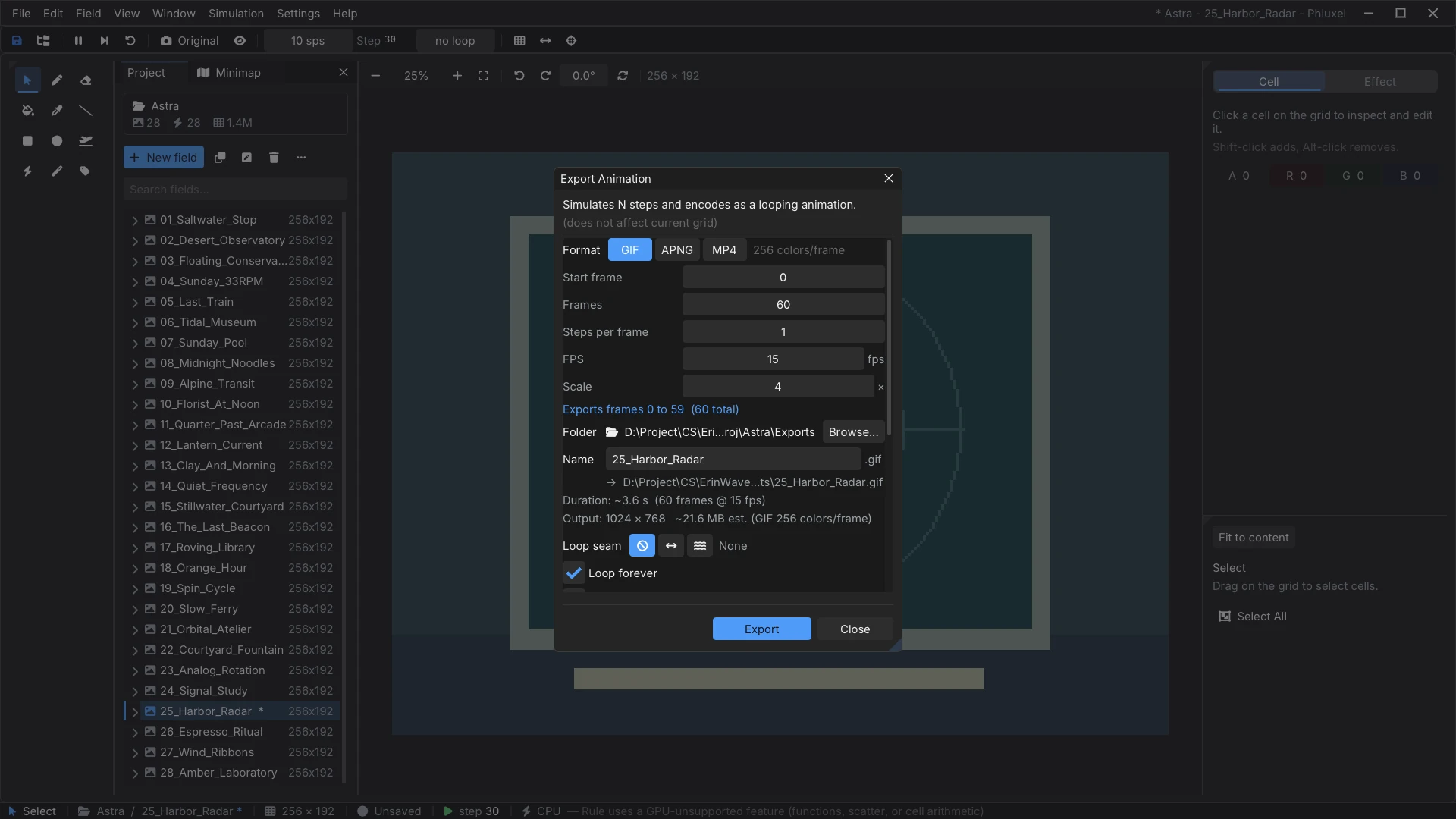
One-click GIF with ping-pong for perfect back-and-forth loops, plus PNG sequence, APNG, MP4, sprite sheets and palette-locked exports.
Animate rule parameters over time. Scrub, keyframe, and choreograph evolving simulations.
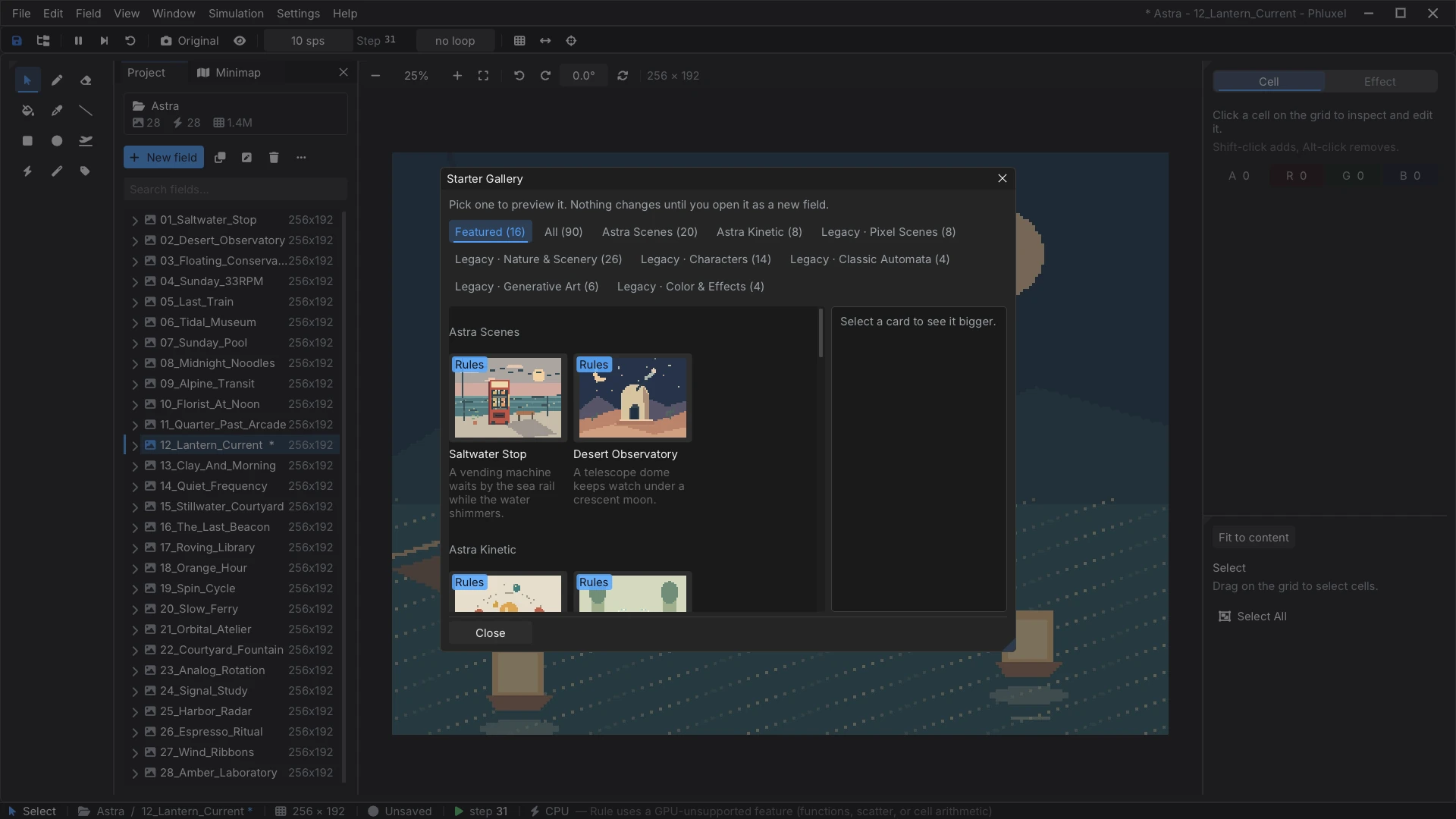
90 one-click live starters across 8 themed groups — including the 28-scene Astra collection — plus a library of 128 rule templates to remix. Go from blank to animating in a click.
Capture multiple snapshots of a field and step back through deep, non-destructive undo history. Undo scales itself to your canvas, so even a 4000×3000 grid stays within a fixed memory budget.
Built on .NET 10 with a native Raylib + Dear ImGui front end, tuned for Windows 10 & 11 — docking panels, custom themes, and a fully rebindable keymap.
No coding needed to start — pick a starter, or build one from scratch. You can have a shareable GIF in about five minutes.
Brush, fill, shapes and an eyedropper on a pixel grid. Or import an image — a few dots is enough.
One line of Phlux says what each cell becomes from its neighbors. Toggle Global to run it everywhere.
Watch it evolve in real time. Step frame-by-frame, tweak speed, and reset to your design anytime.
Save a seamless ping-pong GIF, an MP4, an APNG, or a full PNG sequence. The result is the ad.
Given this cell and its neighbors right now, what should it become next step?
You write that as an assignment to the cell's R G B A channels. The engine applies it to every cell, over and over — and motion emerges.
N S E W, diagonals, relative (dx,dy) or absolute [x,y].COUNTNZ, the ? : ternary, and multi-cell scatter output.// 1 · a glowing decay trail R *= 0.97; G *= 0.97; B *= 0.99 // 2 · a left-to-right gradient R = X / GW * 255 // 3 · Conway's Game of Life (green) LET _n = {COUNTNZ, MOORE.G} (_n == 3) | (G > 0 & _n == 2) ? G = 255 : G = 0 // 4 · paint a whole cell with a color literal [255, 255, 0, 0] // opaque red
Read the full Phlux language reference — or open it in-app under Help ▸ Phlux Language Reference
Eight scenes from the built-in Astra collection, exported straight out of Phluxel as GIFs and dropped on this page unedited. Each one is a painted still plus one Phlux rule — no frame-by-frame animation anywhere.

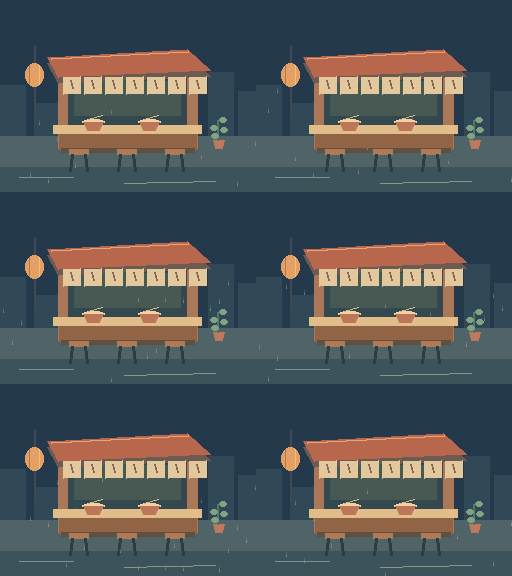

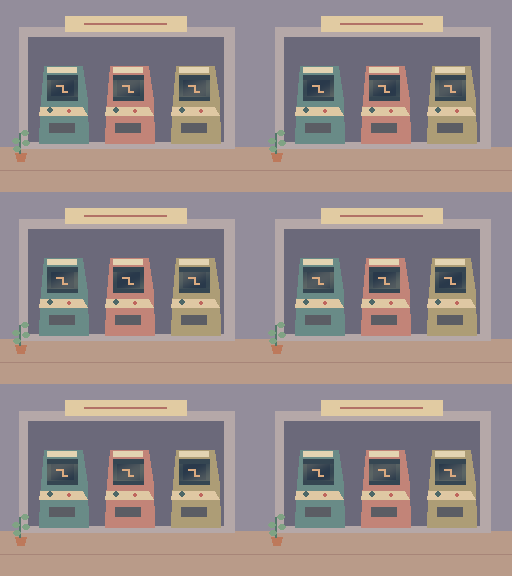
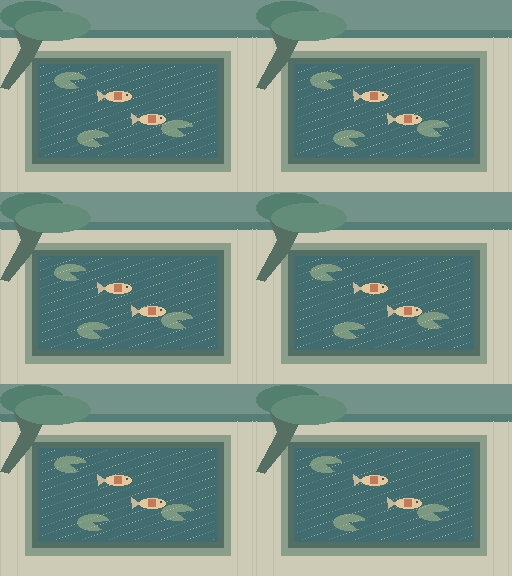
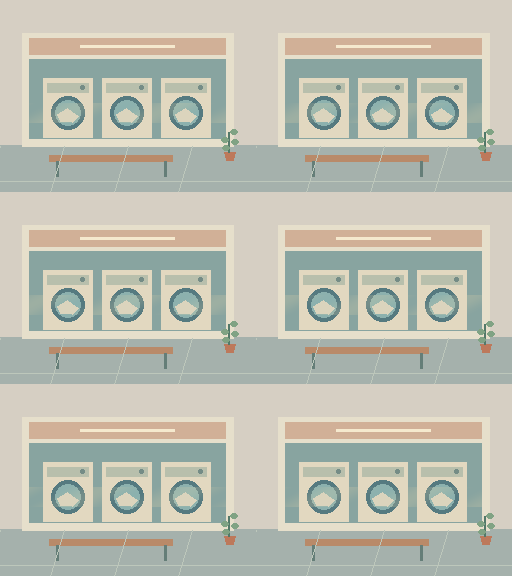


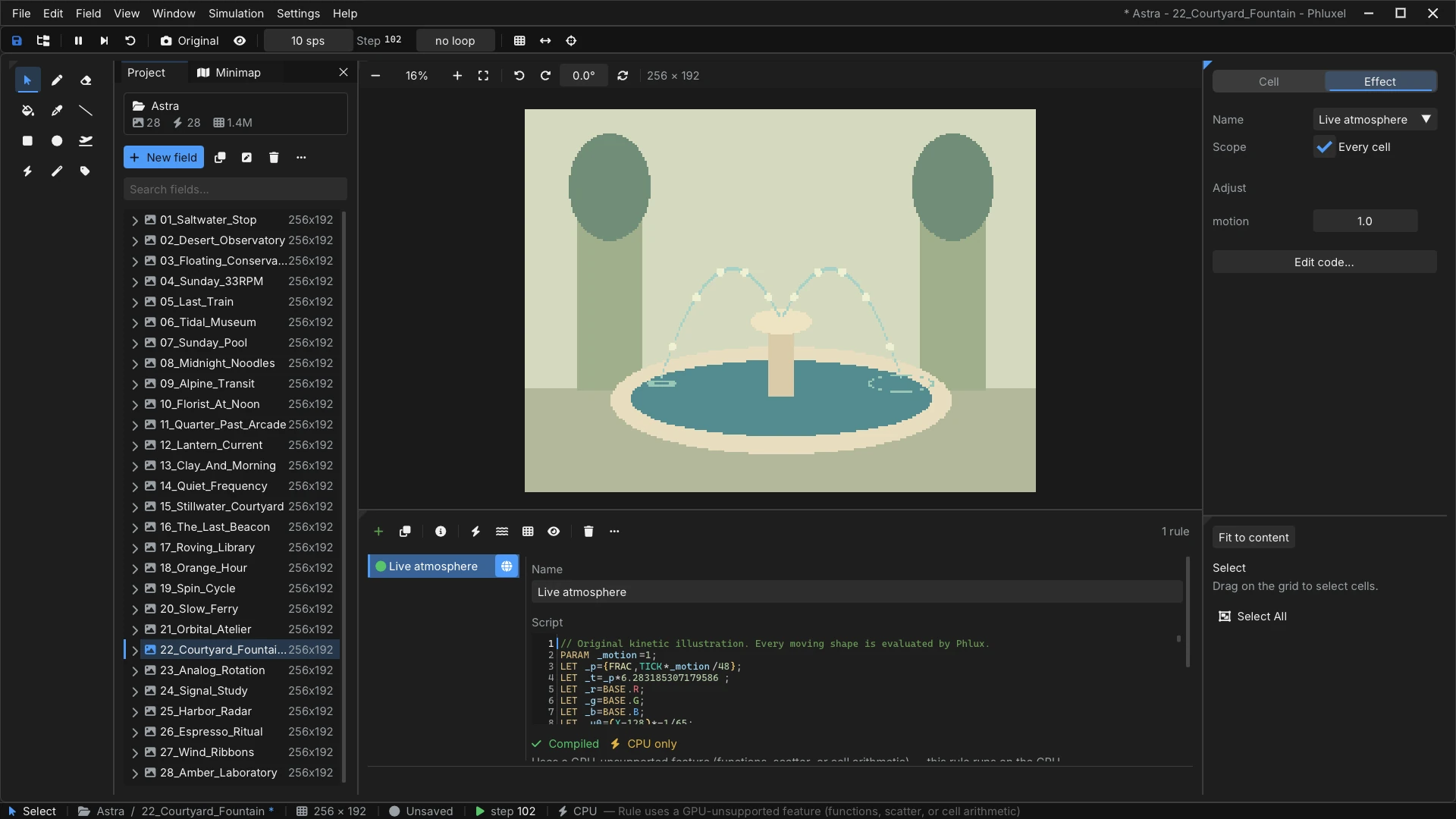
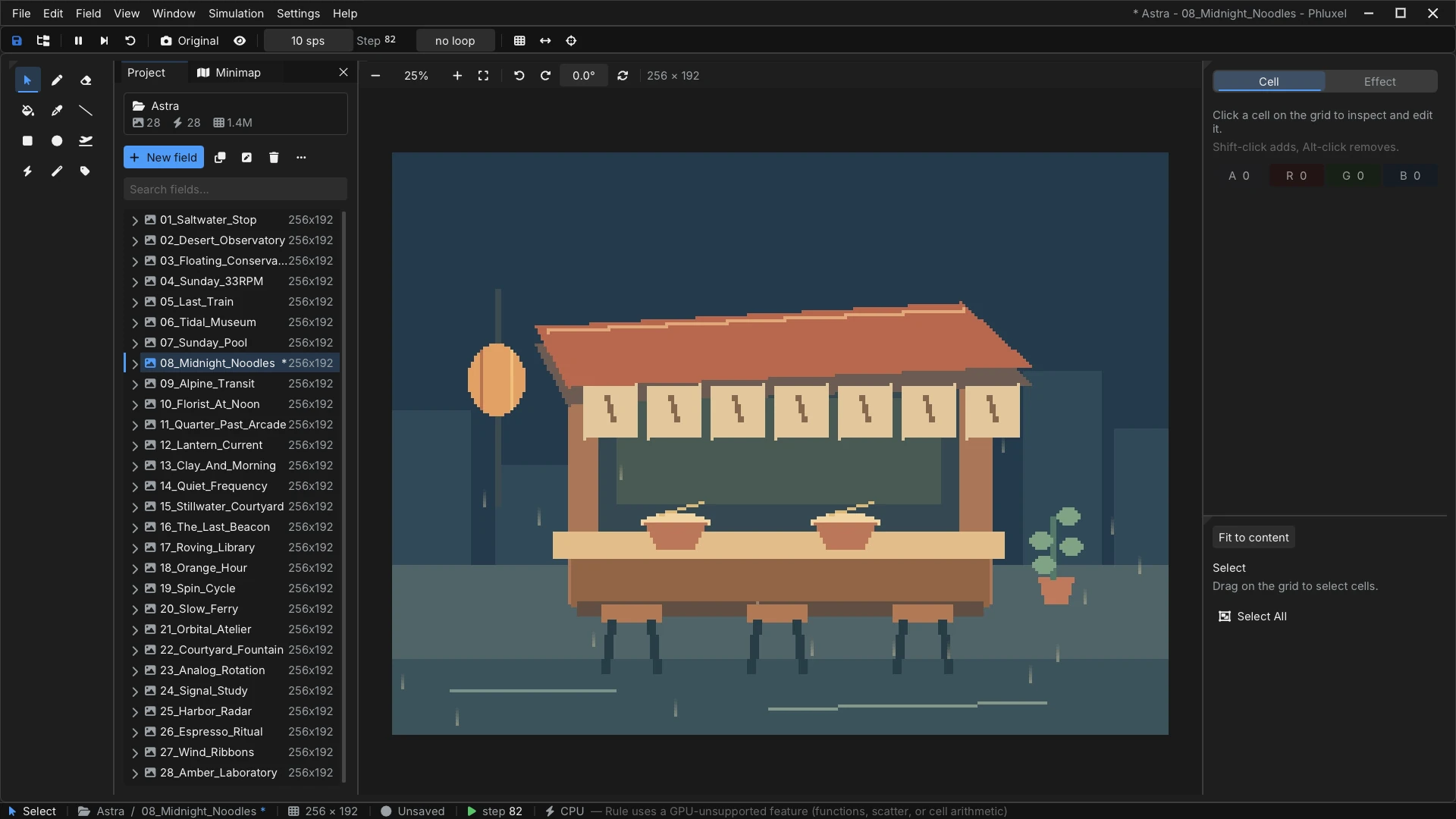
Not a mockup — real screenshots of Phluxel on Windows, running the Astra collection that ships with it. The painted scene, the one rule that moves it, and the knob you turn while it plays, all in one window.
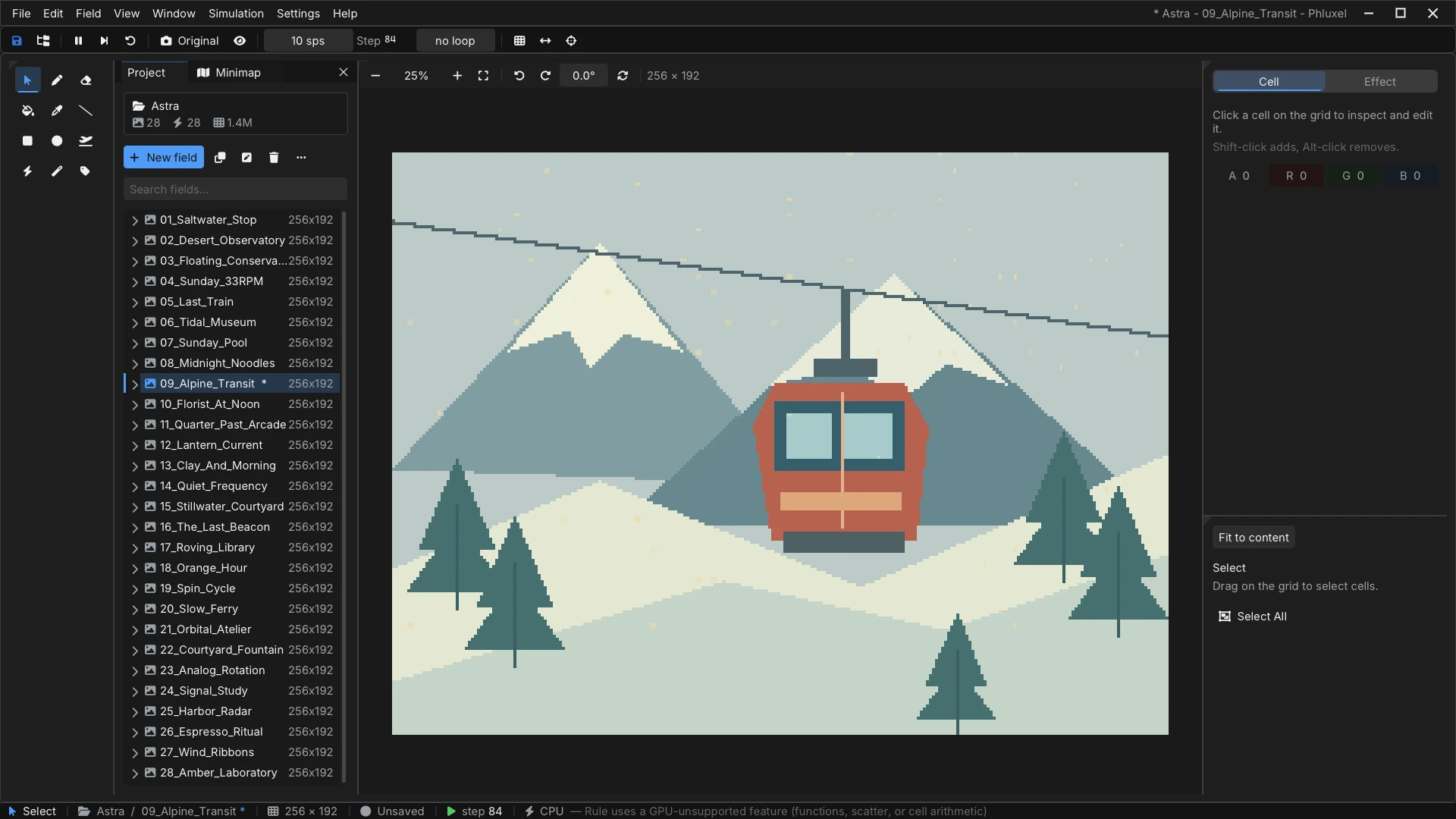
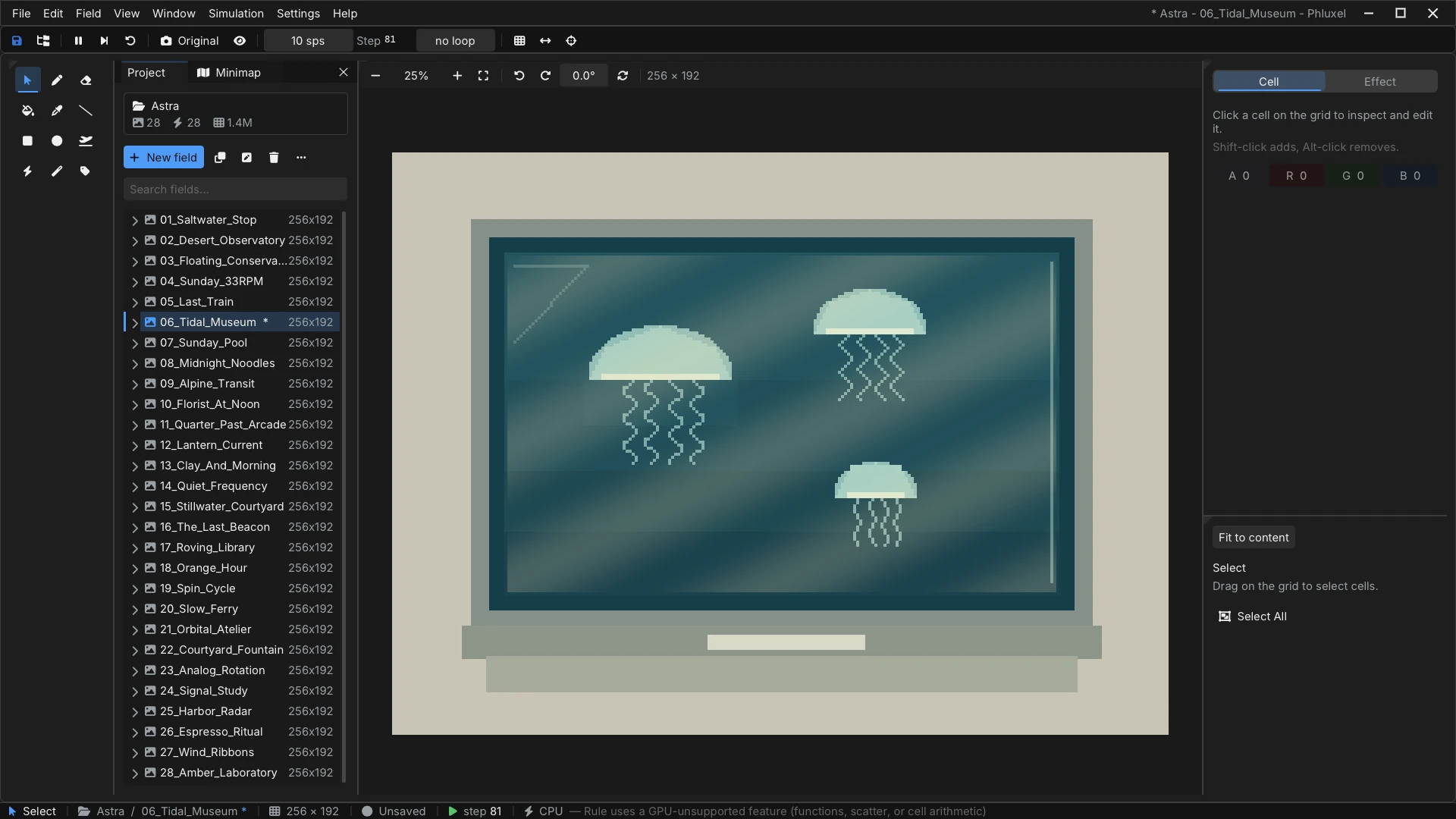
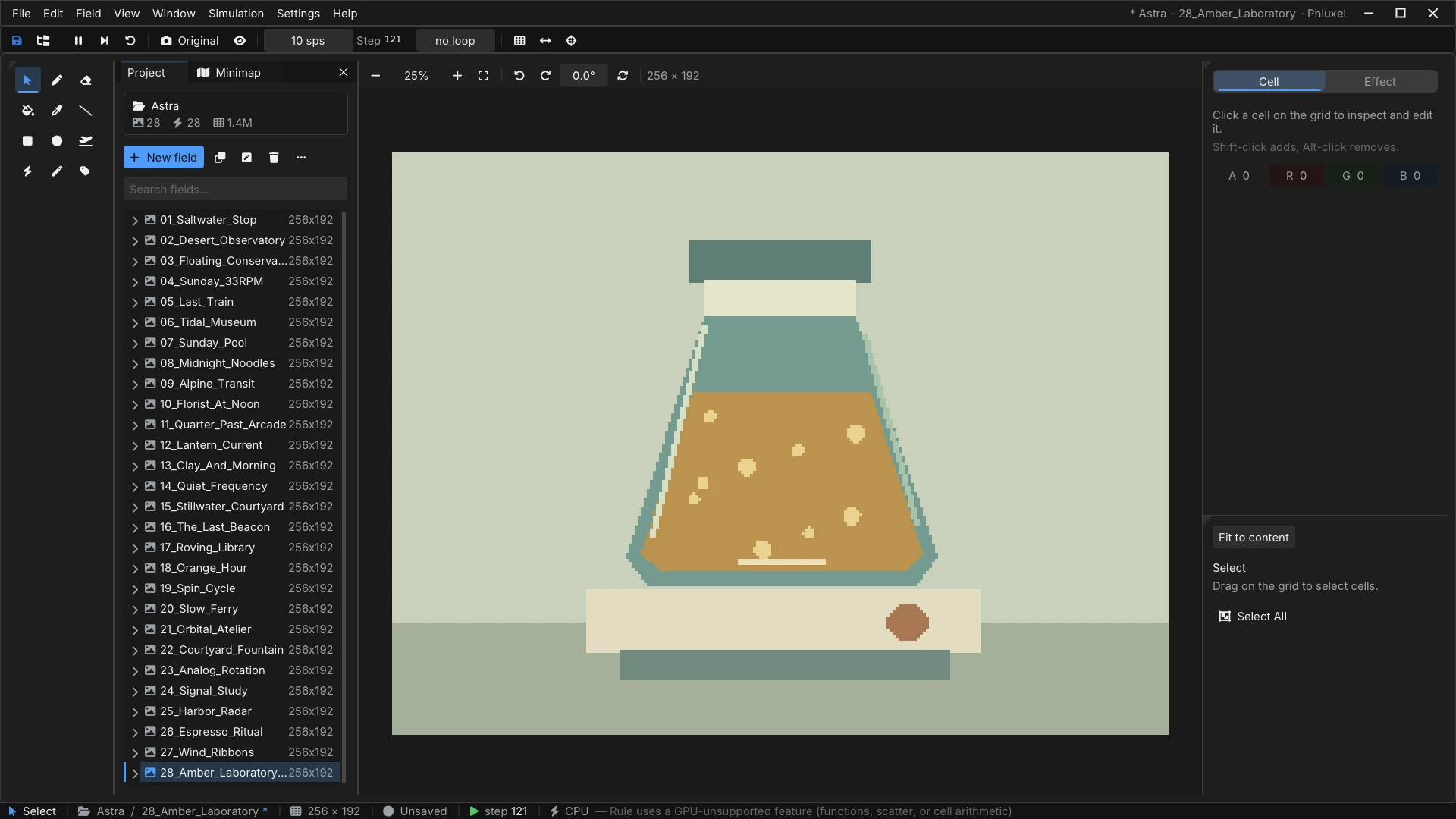
No subscriptions, no cloud lock-in. The free edition is the whole toolkit — upgrade to remove the watermark, unlock unlimited grids, MP4/APNG and the right to sell your work. Under the hood that's a full rule-scripting language, a dual CPU/GPU simulation engine, and a keyframe timeline — not just a slider-based effects generator.
Both editions are the same download — your license simply unlocks Pro. One-time purchase, no subscription. $19.99 USD — the same price on every store: Steam (from October 1), itch.io and Gumroad. Each Pro license is a personal, single-user license for up to 2 of your own devices (e.g. desktop + laptop) — need more devices, or licenses for a team? See buying for teams below.
A Pro license is personal and covers two of your own devices, so buying for other people works differently. Tell us the headcount and what you need on the paperwork, and we will put together a quote and issue the licenses in one go.
Usually answered within one business day. Tell us the number of seats and the country you are invoicing from — that is normally all we need to quote.
More questions? Read the full FAQ — or send us feedback directly.
Phluxel is sharper because our tester stress-tested it, filed bugs, and pushed the details. Thank you.
Download Phluxel free, paint a few pixels, and write your first rule. Your first seamless loop is about five minutes away.
v0.22.0 · Windows 10 & 11, 64-bit · also on Steam — October 1, 2026
First launch may show a Windows SmartScreen prompt while the app builds reputation — click More info ▸ Run anyway. Phluxel is safe and keeps your projects on your device.